Description
:
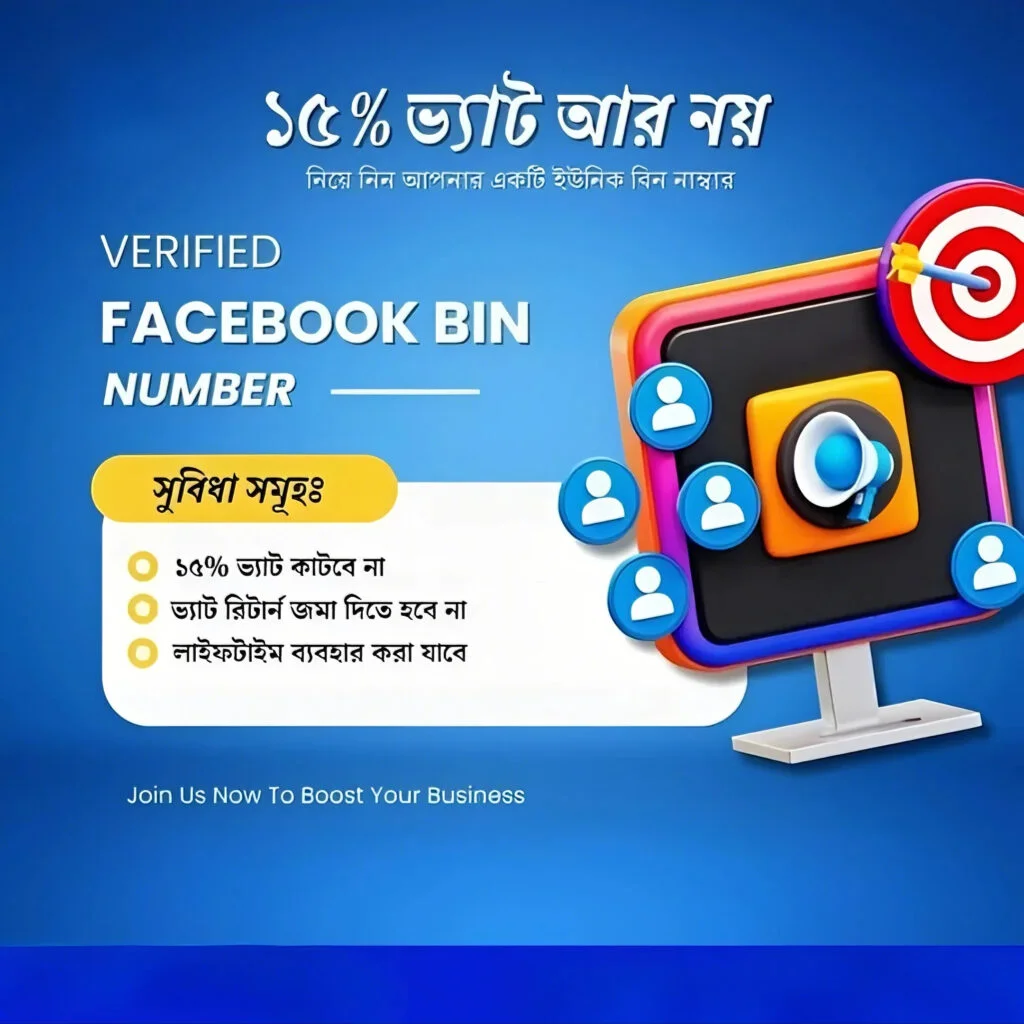
🔐 BIN Number for Facebook Ads – Full Guide (2025 Edition)
Struggling to set up a payment method for Facebook Ads? Your card keeps getting declined? 💳 It might be because of the BIN number. This guide will help you understand what a BIN is, why it matters, and how to use it properly to avoid issues with Facebook Ads payments.
✅ What is a BIN Number?
BIN stands for Bank Identification Number — it’s the first 6 digits of any credit or debit card.
These digits tell Facebook:
-
Which bank issued your card
-
What type of card it is (Visa, MasterCard, etc.)
-
The country the card is from
-
Whether the card is valid and secure
🛡 Why Does Facebook Care About BIN Numbers?
Facebook uses the BIN number to:
-
Verify if the payment method is legitimate
-
Match the user’s location with the card’s origin
-
Prevent fraud or illegal ad spending
-
Approve your account for running ads
If your card BIN doesn’t match your location or looks suspicious, Facebook may block your payment or disable your ad account.
💳 How BINs Are Used in Facebook Ads Payments
When you add a card to Facebook Ads Manager, the BIN is automatically read and used to:
-
Authenticate the payment method
-
Identify the issuing bank
-
Approve or reject your card for ad spend
🧪 Virtual Card BINs – Are They Safe?
Some users try using virtual cards with specific BINs to bypass Facebook’s payment system. While some BINs may work temporarily, using fake or unauthorized BINs is risky.
❌ Fake BIN = Account disabled
❌ Facebook’s fraud system is advanced
❌ You may lose access permanently
Use only legitimate, secure cards from trusted sources.
⚠️ Common BIN-Related Payment Issues
-
Payment Declined: Your card’s BIN isn’t supported by Facebook
-
Location Mismatch: Your BIN country doesn’t match your profile country
-
Unsupported BINs: Some prepaid or virtual cards aren’t accepted
-
Temporary Approval: Some BINs work for a while, then get blocked
🛠 How to Fix BIN Issues on Facebook
-
Use a card from a trusted bank with a clean BIN
-
Avoid prepaid or suspicious virtual cards
-
Try PayPal as a backup method
-
Match your billing address with your Facebook profile
-
Contact your bank to make sure your card allows online and international transactions
❓ Can You Use BINs to Get Free Facebook Ads?
⚠️ NO — using special BINs to trick Facebook into giving you free ads is illegal and unethical. It violates Facebook’s terms and can get your:
Always use genuine payment methods.
💡 Pro Tips for Facebook Ad Payments in 2025
✅ Use cards from well-known banks (Visa/MasterCard)
✅ Prefer physical cards or verified virtual banks (like Wise, Payoneer)
✅ Avoid using BINs you found online — they’re often flagged
✅ Set up a verified PayPal for smoother payments
✅ Regularly check your billing and currency settings
🔍 Keywords to Know
-
BIN number for Facebook Ads
-
Virtual card BINs
-
Working BINs for Facebook 2025
-
Facebook billing BIN
-
Secure Facebook payment setup
-
Best BINs for ad payments
-
Facebook Ads card verification



Reviews
There are no reviews yet